

A website mockup is a decision-making tool, not just a picture of colors and fonts. It gives the business owner and design team a chance to test whether the proposed page structure, content emphasis, and customer paths make sense before the design is built. A useful review is specific: identify what a visitor needs to understand, what action they should be able to take, and what information is missing. This guide provides a practical way to review a mockup without turning feedback into an unstructured list of personal preferences.
Start with the visitor's task
Choose one important visitor for the page and write down the task they arrived to complete. A prospective customer might need to understand a service, confirm that it is offered in their area, see what happens next, and contact the business. A returning customer may be looking for hours, a menu, an appointment route, or support information. Evaluate the mockup against that task before commenting on decorative details.
On the homepage, ask whether a new visitor can quickly tell what the business does and where to go next. On a service page, check whether the scope, relevant proof, common questions, and next step appear in a sensible order. The layout should help the reader make progress; it does not need to place every detail above the fold.
Review hierarchy and page flow
Scan the design from top to bottom. Is the main heading more prominent than supporting text? Do section headings describe what follows? Are related details grouped together? Can a visitor distinguish the primary action from secondary links? If every section has the same visual weight, the page may feel busy even when the copy is short.
Look for a logical sequence rather than a collection of attractive blocks. A service page could move from the customer problem to the service approach, scope, evidence, answers, and contact path. Ask the designer to explain any section whose purpose is unclear. If a module exists only because a template included it, consider whether it helps this page's reader.
Check real content, not just placeholder boxes
Mockups with generic filler can hide layout problems. Review the design using representative headings, a realistic paragraph, the actual service names, and a likely call to action. Confirm that longer business names, phone numbers, location details, and form labels fit without awkward wrapping. If photographs, reviews, credentials, or project examples are proposed, confirm that the business can supply accurate, approved material before treating those elements as final.
Content length affects layout. A page designed around one short placeholder sentence may not work when the approved copy needs more explanation. Conversely, a long block can be hard to scan even if its wording is accurate. Flag the mismatch and decide whether the content should be edited, divided into sections, or presented with a different component.
Inspect the mobile version as its own experience
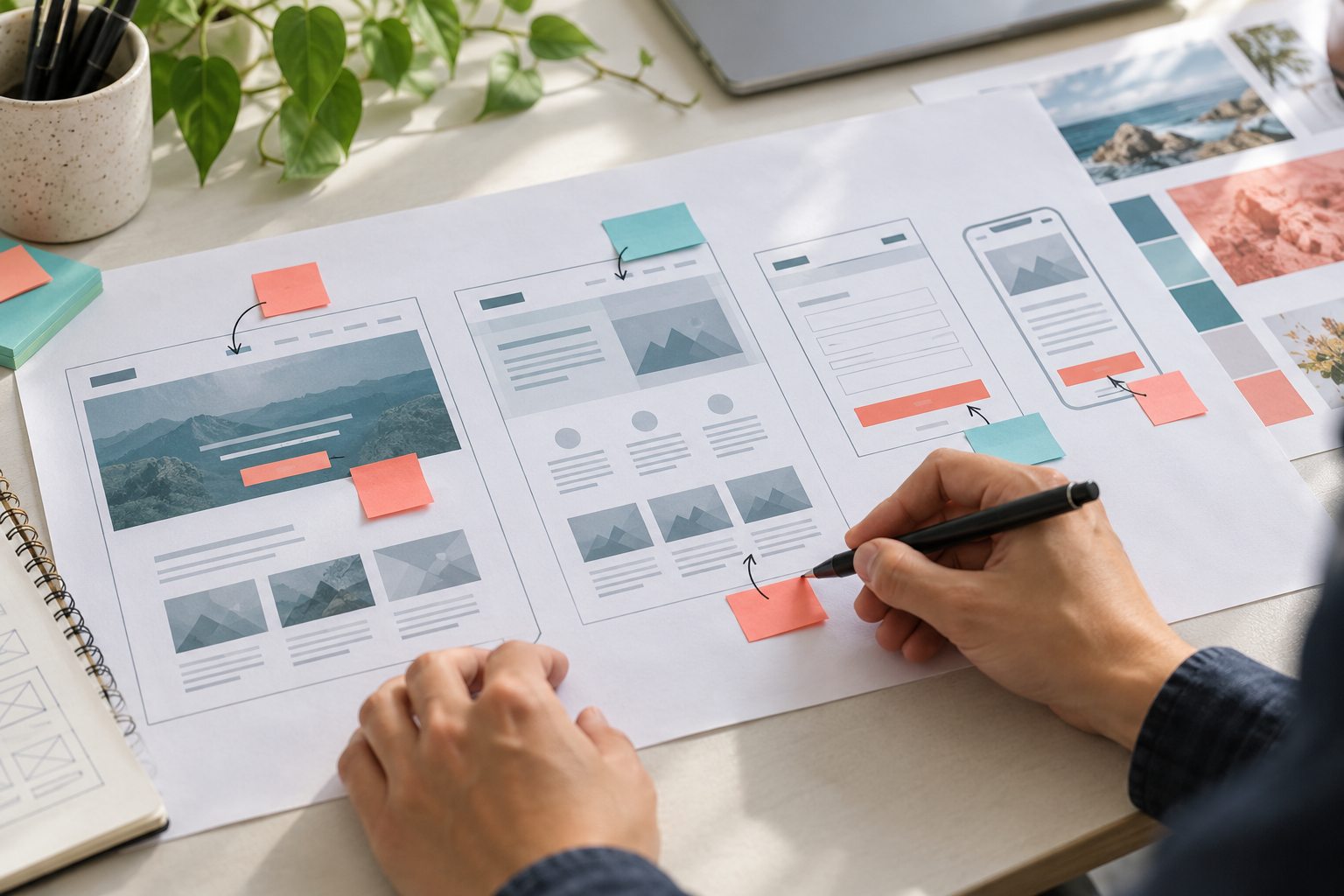
Do not assume a desktop layout simply shrinks well. Review the mobile mockup at a narrow width. Check that the navigation is understandable, headings remain readable, buttons have room to tap, and important content does not disappear behind a complicated interaction. See whether a phone number, location, or contact action is easy to reach when it matters to the visitor.
Look for order as well as size: which content appears first on mobile, and does that sequence support the visitor's task? Ask how repeated desktop elements will behave on smaller screens. The review should confirm a deliberate responsive arrangement, not a miniature desktop screenshot.
Check practical states and accessibility basics
Ask to see representative states that affect real use: an open navigation menu, a form with labels and a clear submit action, a validation message, and any expandable content. Confirm that text contrast and font sizes appear readable, links look distinguishable, and meaning is not communicated by color alone. These checks are not a substitute for a full accessibility review, but they can catch design decisions that deserve attention before implementation.
Consider keyboard and focus behavior when controls are part of the design. A user should be able to recognize which interactive element is selected, and a form should communicate what information it needs. If the design team has not yet specified behavior, record that as an open decision rather than assuming the developer will infer it.
Make feedback actionable and close the approval loop
Give feedback in a consistent format: identify the page and screen size, describe the visitor problem, point to the affected section, and state the desired outcome. For example: “On the mobile service page, the estimate button appears after several long sections; can we add a clear contact option near the service summary?” This is more useful than “make the page pop,” because it explains the issue while leaving room for the designer's solution.
Group comments into must-fix issues, content or business decisions, and optional preferences. Assign one person to consolidate feedback so the designer is not reconciling conflicting instructions. Before approval, confirm which screens and states are included, what remains unresolved, and whether the design system or shared components will carry the approved decisions into other pages. Save the approved version and record the remaining assumptions for the development handoff.
When the mockup is ready for development
A design is ready to move forward when the primary visitor paths are clear, the content fits its layout, mobile behavior has been considered, and open technical or business decisions are visible. Approval does not mean every detail is frozen forever; it means the team has a shared reference and a process for handling changes. If you are comparing providers, include how design review, responsive layouts, revisions, development, testing, and ownership are handled in the project scope.
For a new or redesigned business site, iDvlpr Marketing's web design and development service is the relevant place to discuss page planning, visual design, implementation, and launch needs. WordPress-specific projects can also review the WordPress development service to understand the platform-focused build path. The right next step is a project conversation grounded in your actual pages and customer tasks, not a promise that a mockup alone will produce search rankings or leads.
Bottom line: review a mockup by the work it must help a visitor complete. Test hierarchy, realistic copy, mobile flow, interactive states, and feedback ownership. Clear decisions at this stage give design and development teams a better shared target and help keep revisions focused on real usability needs.