
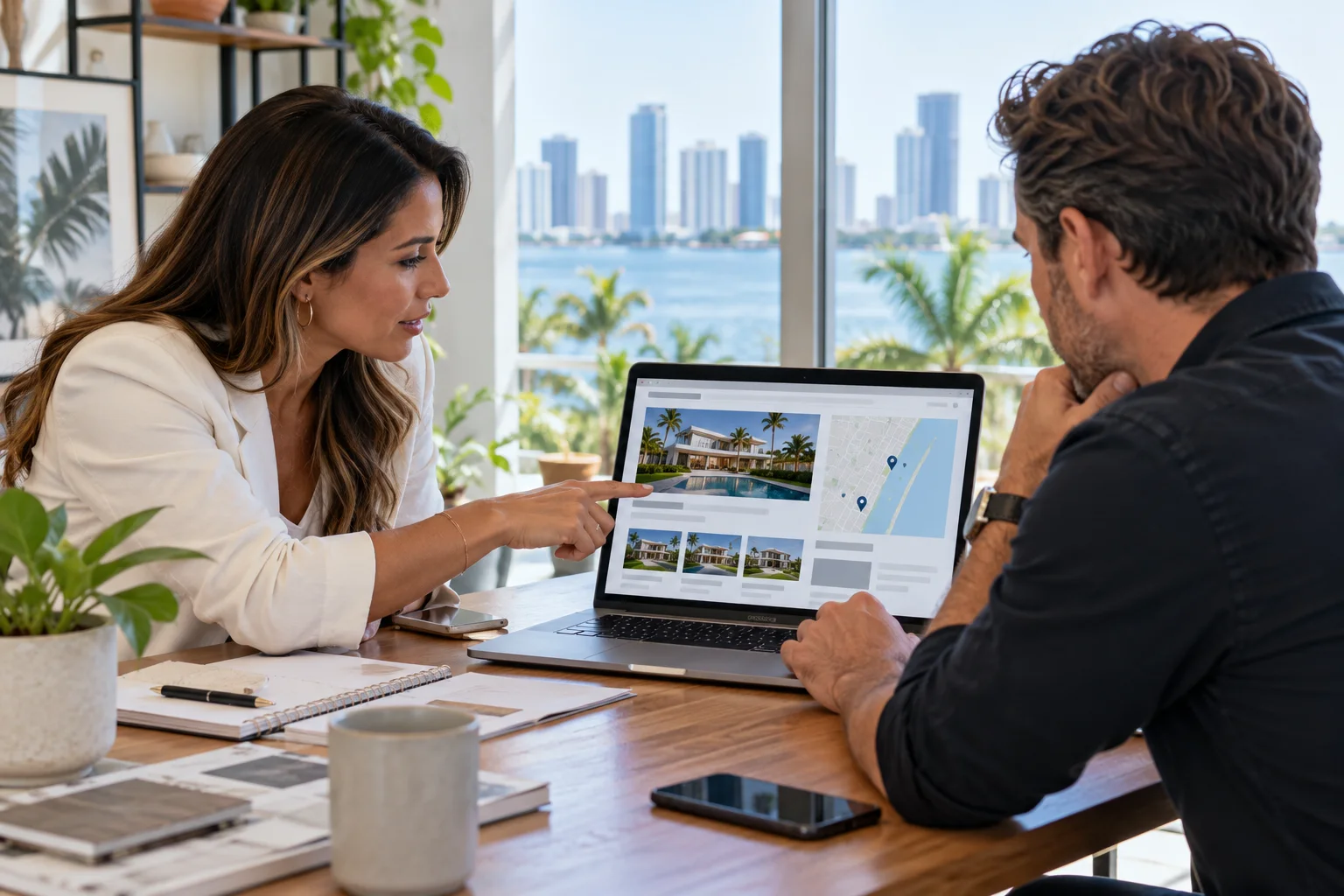
A real estate website has to do more than display attractive property photos. Visitors need to understand what a listing offers, whether its information is current, and how to ask a useful question. Agents also need a manageable way to update inventory and route inquiries without losing the context that prompted someone to reach out.
This guide focuses on the website itself: listing-page structure, buyer and seller paths, changing property status, mobile usability, and inquiry handling. It is different from a broad marketing plan. The goal is to help an agent or agency define what the site should do before choosing a design, content system, or listing-data connection.
Give every property page a clear job
A listing page should help a visitor evaluate the property and decide what to do next. Start with the details the agent is authorized to publish and can keep accurate: current status, property type, location, essential features, photos, and a direct way to ask about a showing or more information. Organize those details in a predictable order so a visitor can scan instead of hunting through decorative sections.
Keep the primary action specific to the page. A property inquiry should identify which listing the visitor is asking about; a general contact button should remain available for people who have a different question. If a property is pending, sold, withdrawn, or no longer represented, the page needs a defined update. Leaving old availability language in place can confuse prospective clients and create unnecessary follow-up work.
Separate buyer, seller, and general contact journeys
Different visitors arrive with different needs. A buyer may want to ask about a particular home or request a tour. A seller may be comparing representation and want to understand how the agent works. A relocation visitor may first need neighborhood or process information. A single generic form can collect all of these, but only if it lets the person explain the request and sends it to someone who can respond.
Use clear routes rather than assuming every visitor will start on the homepage. Listing pages can carry a property-specific inquiry action; seller resources can invite a valuation conversation without promising a price; buyer pages can explain how to arrange a discussion. Set realistic expectations about response time, and avoid requesting sensitive information that is not needed for the first contact.
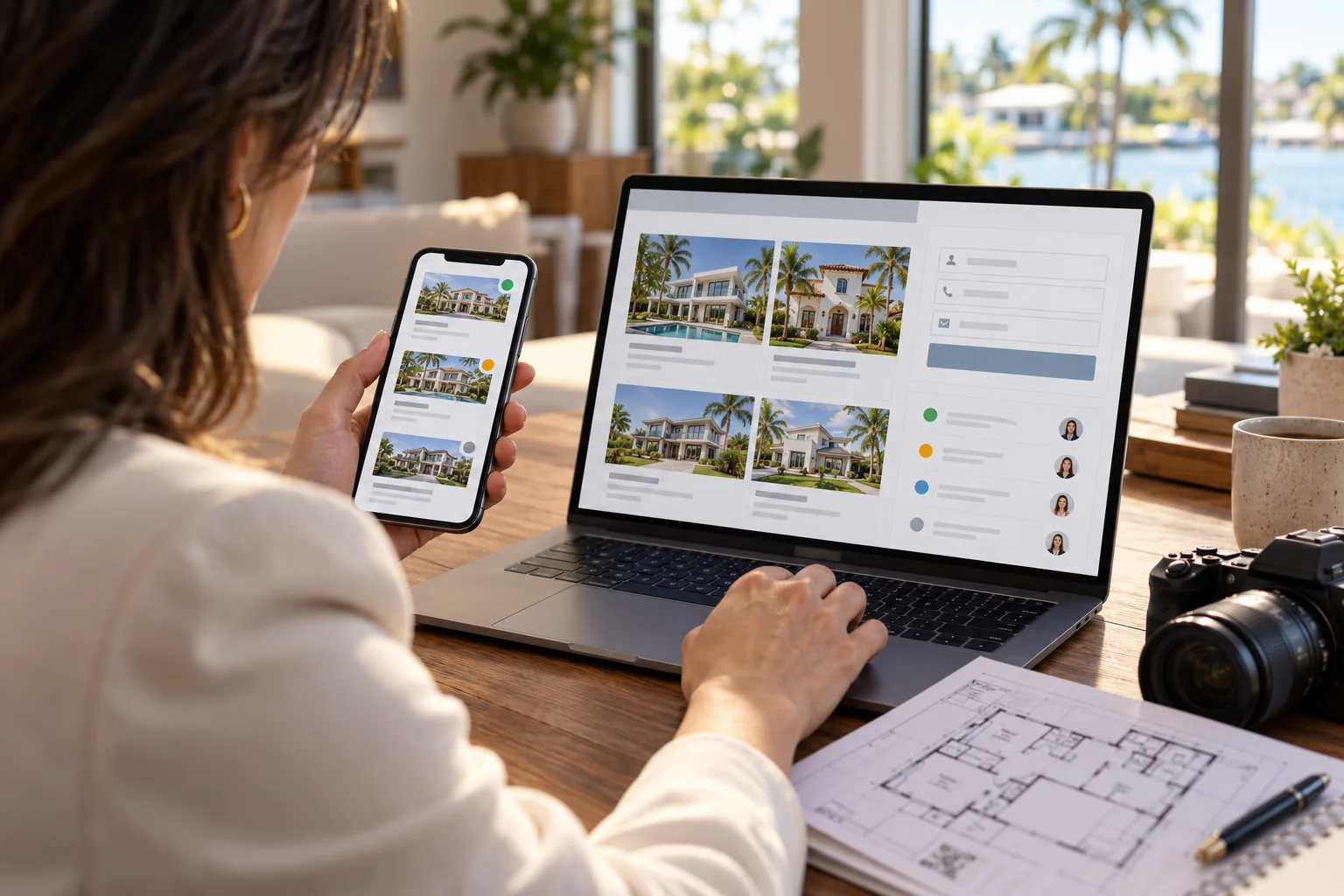
Decide how listings enter and leave the site
Before a build, document the source of listing data and the person responsible for corrections. If listings come from a feed or an external platform, ask the provider how often information refreshes, what fields are available, how photos and attribution are handled, and what happens when the connection is delayed or unavailable. Confirm the relevant licensing, brokerage, and platform requirements with the responsible professionals and vendors; do not assume a website feature automatically grants permission to republish data or images.
Plan for exceptions, not only the normal path. What should a visitor see if no properties match a filter? Can an agent remove a duplicate or correct a detail? Does an expired listing stay public, redirect, or become a non-promotional archive? The answer depends on the brokerage's workflow and applicable obligations, so decide it with the people who own those rules. The website should make the chosen process consistent and testable.
Make search and filters useful, not overwhelming
If the inventory supports search, prioritize a small set of filters that people can understand and use on a phone. Choose labels that match the actual property data, preserve entered filters when someone opens a listing and returns, and provide a useful empty state when nothing matches. Avoid controls that appear functional but do not change the results. Test common combinations with current data rather than relying only on sample listings.
Some agents may not need complex listing search on their own site. A smaller, curated collection with clear links to the authoritative listing source can be easier to maintain. The right choice depends on inventory, data access, the agent's process, and who will support updates after launch. Treat an integration as a project dependency with an owner, testing plan, and fallback, not as a design detail to decide at the last minute.
Review listing pages on real mobile devices
Property research often happens between other activities, so the page should work with a thumb and a variable connection. Check that images load at sensible sizes, important facts are readable without zooming, buttons are easy to tap, and a phone number can be called directly. Ensure the page does not push the inquiry action below a long gallery or hide it behind a control that is hard to find.
Use descriptive image text where it helps someone understand the page, and keep decorative imagery from interfering with the main content. Give forms visible labels, explain required fields, and provide a confirmation after submission. Ask a person unfamiliar with the design to find a property, understand its current status, and send an inquiry. Their hesitation often reveals a missing label or an unclear next step.
Connect the website to a maintainable operating process
Before launch, assign owners for listing updates, page corrections, images, form routing, and account access. Record which system is authoritative for each detail and how a staff member should report a problem. Test a listing update from beginning to end, including removal or status change, not only the initial publication. A handoff should explain the website platform, integrations, backups, and which changes require technical help.
Measurement can help the agent see whether visitors use search, open listing pages, or begin an inquiry, provided the relevant analytics and consent setup is configured. Those actions are not the same as a qualified lead, showing, offer, or closed transaction. Label reports accordingly and compare them with the follow-up process the brokerage actually uses.
iDvlpr Marketing builds web design and development projects for businesses that need a clear, maintainable website, and offers WordPress development where that platform fits the project. Realtors evaluating marketing beyond the site can also review the separate digital marketing guide for real estate professionals. To discuss a listing site, inquiry workflow, or rebuild, contact iDvlpr Marketing or email gary@idvlprmarketing.com.
Planning note: Listing facts, photographs, status, brokerage requirements, advertising disclosures, and integrations should be reviewed with the responsible agent, broker, platform provider, and qualified professionals. This article is general website-planning information, not legal or real estate advice. No ranking, lead, showing, or transaction result is guaranteed.