
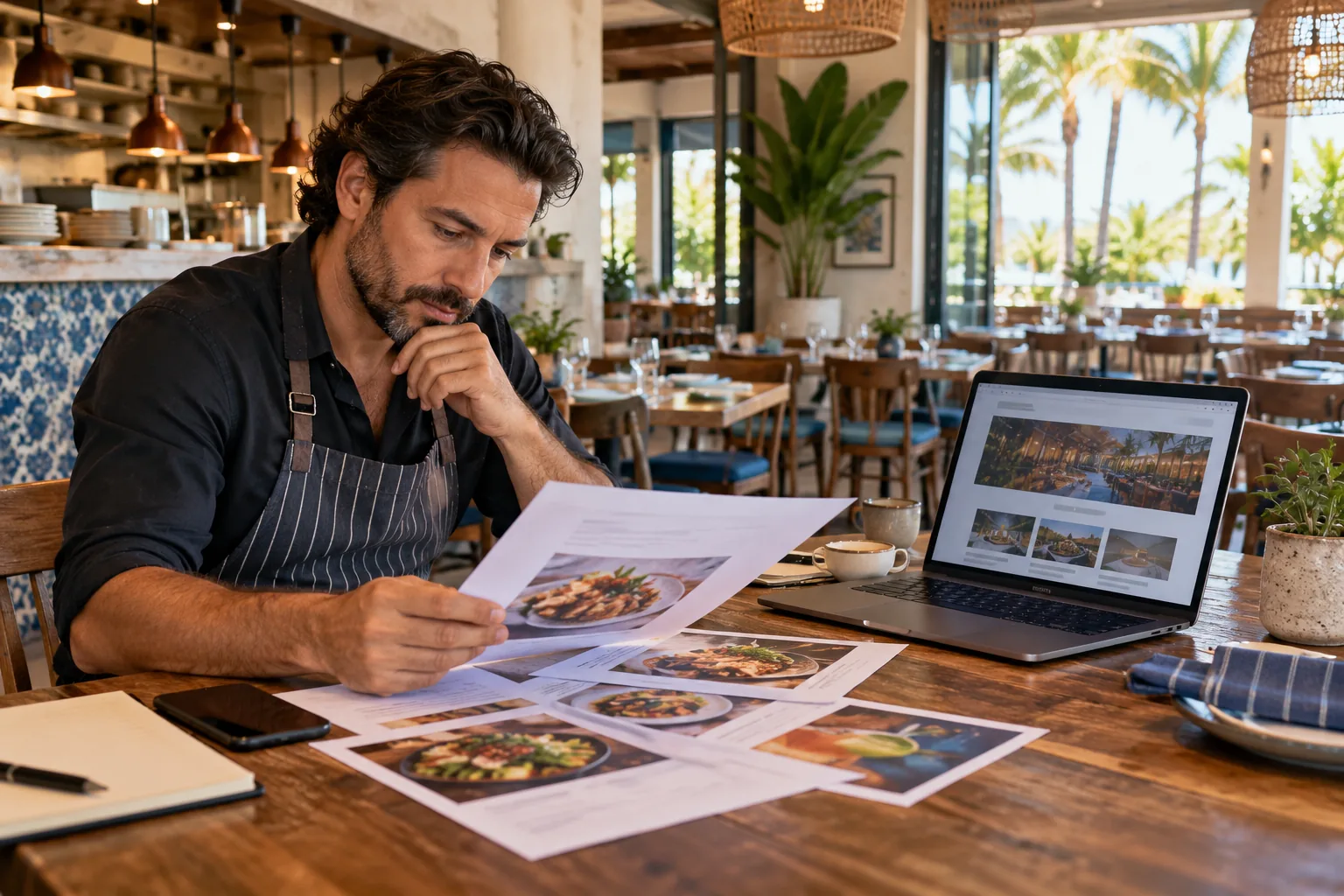
A restaurant website has a focused job: help someone decide whether to visit, place an order, or contact the business. The most attractive photography cannot solve a confusing menu, stale hours, or a button that sends guests to the wrong ordering destination. Good restaurant website design begins with the information people need and the staff members who will keep it accurate.
This checklist is for restaurant owners planning a new website or reviewing an existing one. It concentrates on four connected tasks: presenting the menu, confirming visit details, routing orders clearly, and making routine updates manageable. The same approach works for an independent dining room, takeout-focused shop, cafe, or multi-location operator, with the details adjusted to how each business actually serves guests.
Make the menu readable without extra steps
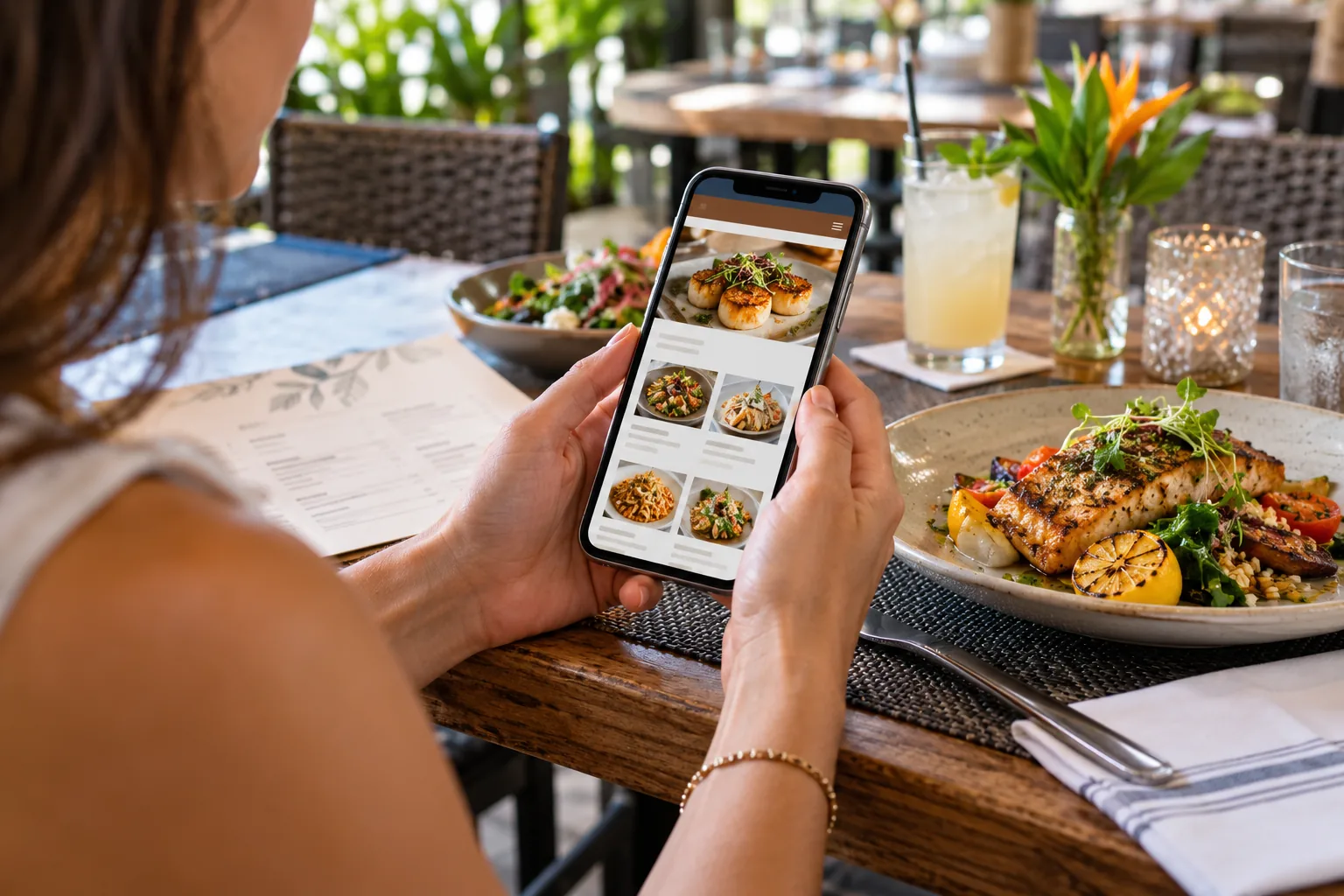
Put the current menu on a page guests can reach directly from the main navigation. A mobile visitor should not have to pinch-zoom a wide desktop menu or download a blurry scan just to see what is served. Use selectable text and a clear hierarchy for sections, item names, descriptions, and prices. If a downloadable menu is also useful, make it an optional companion rather than the only version.
Decide what information belongs beside each item. Descriptions should be concise and accurate; prices, availability notes, and dietary statements need an owner who can verify them. Do not imply that a dish is available every day if it changes with supply or service. If allergen or ingredient questions require staff confirmation, provide a clear way to ask rather than making unsupported assurances on the page.
Show visit details where guests expect them
Display the restaurant name, address, phone, regular hours, and any reservation information in consistent places. Make the address open a map and the phone number tappable on mobile. For multiple locations, give each location its own accurate contact and hours information instead of making guests guess which details apply.
Hours can change for holidays, private events, weather, or seasonal schedules. Decide which source is authoritative and who updates it. A small operations checklist can cover the website, business profile, and any ordering or reservation systems the restaurant controls. When hours differ temporarily, state the dates and the affected location plainly, then remove the notice when it is no longer current.
Separate dine-in, pickup, delivery, and reservations
These are different guest intentions, so label their paths clearly. A visitor looking for a table should find reservation details; a pickup guest should know where to place an order and when it will be ready; a delivery guest should understand which service handles the order. Use buttons with direct labels such as “View Menu,” “Order Pickup,” or “Make a Reservation” only when those actions are genuinely available.
If the restaurant relies on a third-party ordering platform, link to the correct restaurant and location. Explain when a guest is leaving the restaurant’s website if that transition may be unexpected. Confirm that the platform listing, menu, hours, and pickup details match the information on the site. Avoid adding a payment or ordering feature just because it is fashionable; choose the route the staff can fulfill and support.
Give the team a realistic update workflow
Before launch, identify who will change prices, menu items, photos, holiday hours, and event notices. A website handoff should explain where those edits happen, who has access, and what to do if a change needs developer help. If the team is expected to update content themselves, practice a typical menu or hours change before the site goes live.
Keep original files and account access in business-controlled storage. Record the owner of the domain, hosting, website platform, and any ordering integrations. These details make future redesigns and vendor transitions more straightforward. For WordPress projects, discuss which updates are simple content edits and which changes require technical maintenance.
Test the whole guest journey on mobile
Ask someone unfamiliar with the site to find a menu item, verify today’s hours, call the restaurant, and follow the intended order or reservation path. Watch for slow-loading image galleries, buttons hidden below long introductions, small menu text, broken platform links, and location details that are difficult to copy. Test on more than one screen size and with the actual ordering service configured.
Measurement should answer practical questions without overstating what analytics can prove. If configured with appropriate consent and privacy disclosures, events can record actions such as menu views, taps on phone links, and clicks to an ordering provider. Those actions indicate interaction; they do not automatically confirm a completed meal purchase or a new customer. Connect reporting to what each system can actually observe.
Restaurants planning a new site can review iDvlpr Marketing’s website design and development services and WordPress development. A useful project starts with the restaurant’s real menu, locations, operating process, and guest actions, then builds a site the team can keep current. To discuss a project, contact iDvlpr Marketing or email gary@idvlprmarketing.com.
Planning note: Review menu, pricing, hours, ordering, reservation, accessibility, privacy, and payment requirements with the relevant platform providers and qualified professionals. This article is general website-planning information, not legal or food-safety advice. No search ranking, traffic, order, or revenue result is guaranteed.